
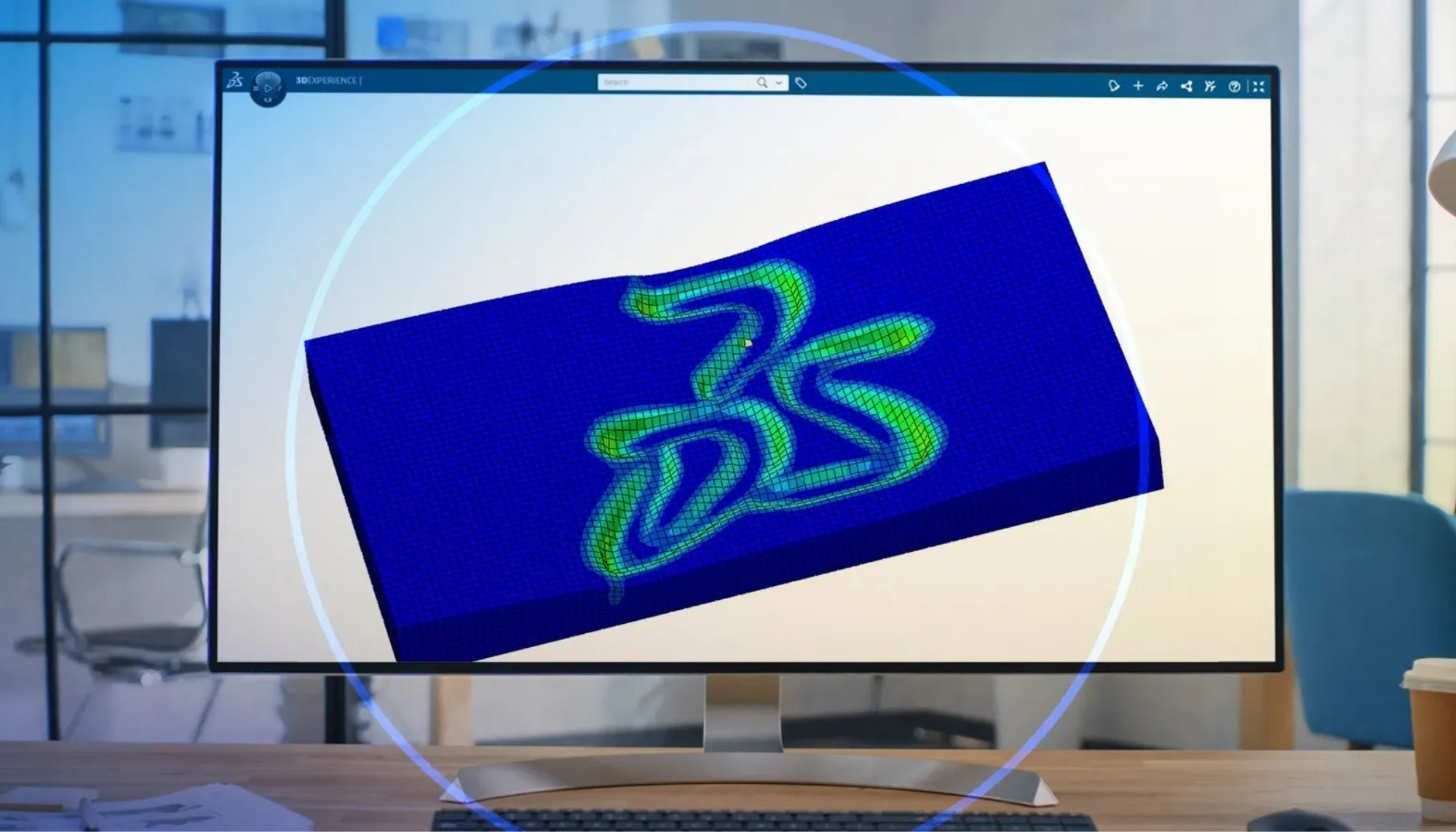
Inside Abaqus 2026: Smarter Modeling, Faster Solvers & More Intelligent Multiphysics Capabilities
Explore key SIMULIA Abaqus 2026 updates for modeling productivity, solver performance, convergence control, contact and wear simulation, advanced material behavior, subroutines, and thermal boundary workflows.
Abaqus 2026 Updates for Engineering Simulation Teams
Abaqus 2026 continues to strengthen the simulation workflow for engineering teams working with nonlinear FEA, multiphysics analysis, contact behavior, advanced material response, and high-performance solver workflows. The value is not only in new features, but in how those features help users set up models faster, control complex analyses more effectively, and improve confidence in simulation-driven decisions.
For teams already using Abaqus or evaluating new simulation capability, Abaqus 2026 is best understood as a productivity and capability upgrade: smarter preprocessing, stronger convergence support, more flexible material behavior, improved contact and degradation workflows, and better control for advanced users.
Improve model setup, preprocessing efficiency, geometry and mesh workflows, and day-to-day analysis preparation.
Support complex nonlinear and multiphysics simulations with stronger convergence control and more efficient solution workflows.
Evaluate interactions, interfaces, long-term wear, degradation, and durability-sensitive simulation scenarios with better workflow support.
Use expanded capabilities for damage, creep, thermal effects, and nonlinear material behavior in demanding applications.
Key Takeaways
Abaqus 2026 is particularly valuable for teams that need better productivity in model setup, improved nonlinear solution behavior, and stronger tools for durability, contact, materials, and advanced simulation customization.
Cleaner workflows can help users move faster from geometry and mesh preparation into simulation review and analysis execution.
More stable nonlinear workflows can help engineering teams evaluate complex loading, contact, material, and multiphysics behavior.
These capabilities are useful where assemblies, interfaces, repeated contact, and long-term operating conditions influence performance.
Subroutines, user controls, and thermal boundary enhancements help advanced users customize simulation behavior when standard workflows are not enough.
Enhanced Modeling Experience in Abaqus/CAE
A major productivity driver in any simulation workflow is how quickly users can move from a physical problem to a reliable model. Abaqus 2026 continues improving the modeling experience in Abaqus/CAE, helping users prepare models with less friction and better workflow clarity.
More efficient model preparation
Improved modeling workflows help users spend less time on setup friction and more time evaluating the engineering problem behind the analysis.
Better preprocessing consistency
Cleaner geometry, mesh, material, interaction, load, and boundary condition workflows can reduce setup errors and improve repeatability across projects.
Improved productivity for engineering teams
When analysts can prepare, review, and iterate models more efficiently, simulation becomes more practical for design, troubleshooting, verification, and optimization work.
Solver Performance and Convergence Improvements for Nonlinear Simulation
Solver performance and convergence behavior are critical for advanced engineering simulation. Large deformation, nonlinear materials, contact, thermal effects, and multiphysics interactions can all make simulation more difficult to solve reliably.
Abaqus 2026 continues to support engineering teams working with demanding nonlinear FEA workflows through improved solver behavior, convergence tools, and advanced analysis capabilities within SIMULIA Abaqus software.
Where improved solver workflows matter most
- Nonlinear structural analysis
- Complex contact and interaction behavior
- Large deformation and instability-sensitive models
- Material nonlinearity and damage modeling
- Thermal-mechanical and multiphysics workflows
- Large-scale engineering simulation projects
Contact, Wear, and Long-Term Degradation Capabilities
Contact is often one of the most important and challenging parts of mechanical simulation. Real assemblies involve surfaces interacting, sliding, separating, impacting, transferring load, and degrading over time.
Abaqus 2026 strengthens workflows related to contact, wear, and long-term degradation, making it more practical for engineering teams to study durability-sensitive mechanical behavior in assemblies, interfaces, seals, bearings, joints, pressure equipment details, and other contact-driven applications.
Contact modeling helps engineers evaluate how components transfer load, slide, separate, and respond under realistic operating conditions.
Wear and degradation workflows help teams assess how repeated operation may influence long-term performance.
Interfaces, joints, seals, and contact regions often control the real performance of mechanical systems.
Degradation modeling can help teams move from one-time strength checks toward more realistic operating-life evaluation.
Expanded Material Behavior for Damage, Creep, Thermal Effects, and More
Advanced engineering simulation depends heavily on material behavior. Linear elastic assumptions may not be enough when teams need to evaluate damage, creep, thermal response, degradation, plasticity, or long-term behavior under demanding operating conditions.
Abaqus 2026 expands capabilities for material behavior and helps engineering teams build more realistic models for applications involving durability, elevated temperature, nonlinear response, damage progression, and multiphysics coupling.
Material behavior areas highlighted in Abaqus 2026 workflows
- Damage and degradation modeling
- Creep and long-term material response
- Thermal and thermal-mechanical effects
- Nonlinear material behavior
- Durability and performance evaluation
- Advanced constitutive modeling workflows
Subroutines, User Control, and Thermal Boundary Enhancements
Advanced users often need more control than standard input definitions can provide. Subroutines, user-defined behavior, and thermal boundary control can help simulation teams represent specialized physics, custom material response, advanced interactions, or project-specific operating conditions.
Abaqus 2026 continues improving the environment for users who need more flexible simulation control, especially in research, industrial engineering, advanced product development, and high-performance technical workflows.
What Abaqus 2026 Means for Engineering Teams
For engineering teams, Abaqus 2026 is most valuable when its capabilities are connected to practical workflows, software adoption, internal training, and project execution.
Improved workflows can help analysts move from engineering problem definition to model execution more efficiently.
Better solver and convergence workflows can support teams working on complex models with contact, material nonlinearity, and multiphysics behavior.
Contact, wear, and long-term degradation capabilities can help engineering teams evaluate performance over operating life.
Training, workflow guidance, and technical support help teams adopt new Abaqus capabilities with more confidence.
Abaqus Software and Training Support from ENA2
ENA2 supports engineering teams across Canada and the United States with SIMULIA Abaqus software access, Abaqus training, technical support, and simulation workflow guidance. This support helps users move from feature awareness to practical adoption.
Explore Abaqus licensing, software access, technical support, and simulation workflow guidance for advanced FEA and multiphysics analysis.
Explore Abaqus Software → Training Abaqus and Simulation TrainingSupport engineering teams with structured Abaqus training, workflow guidance, and practical simulation enablement for real project adoption.
View Engineering Training →Ready to Improve Your Abaqus Simulation Workflows?
ENA2 can help your team connect Abaqus software access, technical support, structured training, and simulation workflow guidance so new capabilities are easier to adopt in real engineering projects.
Abaqus 2026 FAQ
Answers to common questions about Abaqus 2026 features, nonlinear FEA workflows, solver performance, contact and wear simulation, and Abaqus training support.
What is new in Abaqus 2026?
Abaqus 2026 includes updates focused on modeling productivity, solver performance, convergence tools, contact and wear workflows, long-term degradation, advanced material behavior, subroutines, user control, and thermal boundary workflows.
How can Abaqus 2026 improve engineering simulation workflows?
Abaqus 2026 can improve engineering workflows by reducing model setup friction, supporting more efficient nonlinear analysis, improving contact and material behavior workflows, and giving advanced users stronger customization options.
Does Abaqus 2026 support nonlinear FEA and convergence improvements?
Yes. Abaqus is widely used for nonlinear FEA, and Abaqus 2026 continues improving workflows related to solver behavior, convergence control, contact, large deformation, nonlinear materials, and advanced analysis setup.
Can Abaqus 2026 help with contact, wear, and degradation studies?
Abaqus 2026 includes capabilities that support contact, wear, and long-term degradation workflows, which can help engineers evaluate assemblies, interfaces, repeated contact, durability-sensitive components, and operating-life behavior.
Who should consider Abaqus training for 2026 workflows?
Abaqus training is useful for new users, engineering teams upgrading workflows, analysts working with nonlinear FEA, and organizations that want more consistent practices for modeling, contact, materials, solver controls, and result interpretation.
Can ENA2 support Abaqus software access and engineering team training?
Yes. ENA2 supports engineering teams with SIMULIA Abaqus software access, technical support, structured training, and practical simulation workflow guidance across Canada and the United States.
