
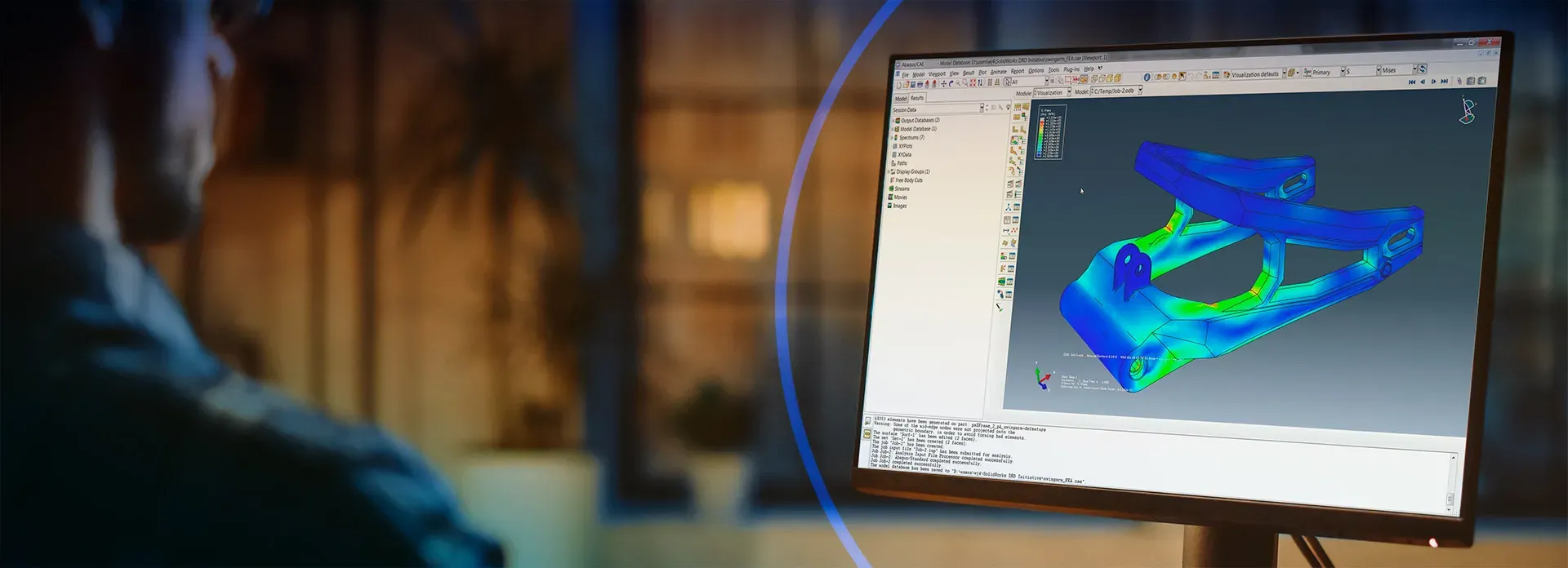
SIMULIA Abaqus Software Lease, Purchase & Quote Support
Access Abaqus software through ENA2 with guidance for yearly lease, quarterly lease, purchase options, token-based licensing, consumable credits, SimUnit Token planning, training and onboarding. ENA2 helps engineering teams choose the right Abaqus access path before ordering.
Validate structural, impact, thermal and durability behavior earlier in development.
Evaluate contact, large deformation, plasticity, buckling and material response.
Use simulation evidence before tooling, testing, fabrication or production decisions.
Compare lease, purchase, tokens, credits and training before ordering.
What Engineering Problems Can Abaqus Help You Solve?
Abaqus is used when engineering teams need deeper insight into difficult physical behavior, nonlinear response, high-load events, coupled loading, durability risk and advanced material performance.
Nonlinear deformation and contact
Large deformation, sliding contact, seals, bolts, forming, assemblies and nonlinear structural response.
Impact, crash and drop events
Transient loading, energy absorption, deformation, drop response, crushing and survivability.
Fatigue-sensitive structures
Brackets, frames, welded assemblies, machinery, pressure equipment and vehicle components under repeated loading.
Thermal-stress and coupled loading
Temperature gradients, pressure, vibration and mechanical loads interacting under operating conditions.
Advanced materials and composites
Metals, plastics, rubbers, composites, hyperelasticity, damage and user-defined material behavior.
Abaqus Technical Capabilities for High-Confidence Simulation
Abaqus supports demanding simulation workflows through implicit and explicit solvers, advanced contact, nonlinear material behavior, multiphysics analysis, automation and scalable simulation planning.
- Match the right solver to the load case.
- Capture nonlinear contact and material behavior.
- Improve confidence before testing or production.
- Build repeatable workflows with training and automation.
Abaqus/Standard and Abaqus/Explicit
Implicit nonlinear analysis for static, quasi-static and low-speed dynamic problems. Explicit dynamics for crash, drop, crushing, impact and severe transient events.
Abaqus/CAE for setup, meshing and visualization
Model setup, meshing, materials, loads, boundary conditions, job monitoring and results visualization in Abaqus/CAE.
Contact, large deformation and advanced material behavior
Contact, friction, self-contact, large deformation, plasticity, rubber-like behavior, composites, damage, fracture and user-defined material behavior.
Coupled workflows, scripting and larger simulations
Thermal-structural, acoustic-structural, pore pressure, fluid-structure interaction, Python automation, subroutines, larger models and HPC planning.
Choose the Right Abaqus Access Model
Compare Abaqus lease, purchase, token-based licensing and consumable credit options based on project duration, users, solver demand, CPU core needs and training requirements.
Choose the right access duration for short-term, annual or long-term Abaqus use.
Abaqus Quarterly Lease
Short-term Abaqus access for temporary engineering demand, urgent validation windows, proposal-driven analysis work or limited-duration simulation projects.
Abaqus Yearly Lease
Predictable annual access for recurring nonlinear FEA, contact, fatigue, durability, thermal-stress and structural validation workflows.
Abaqus Purchase Options
A longer-term access path for organizations building internal Abaqus capability, repeatable analysis standards and ongoing simulation maturity.
Review reusable or usage-based options when users, workloads or solver demand change.
Token-Based Licensing
Reusable and flexible access for teams with multiple users, changing solver demand or mixed Abaqus and SIMULIA workflows where needs may shift by project.
Consumable Credits
Usage-based capacity for variable demand, cloud-style simulation work, occasional burst needs or project phases where scalable access is more practical.
Abaqus SRU Token Estimator by CPU Core Count
Estimate approximate SimUnit Token requirements for Abaqus solver jobs based on CPU core count. Final licensing requirements may vary by configuration, solver usage, product access and quote details, so ENA2 can help confirm the right path before ordering.
Abaqus Application Benefits by Industry
Route your Abaqus software decision by industry use case. These application areas connect nonlinear FEA, impact, fatigue, vibration, thermal-stress and durability workflows to real engineering programs.
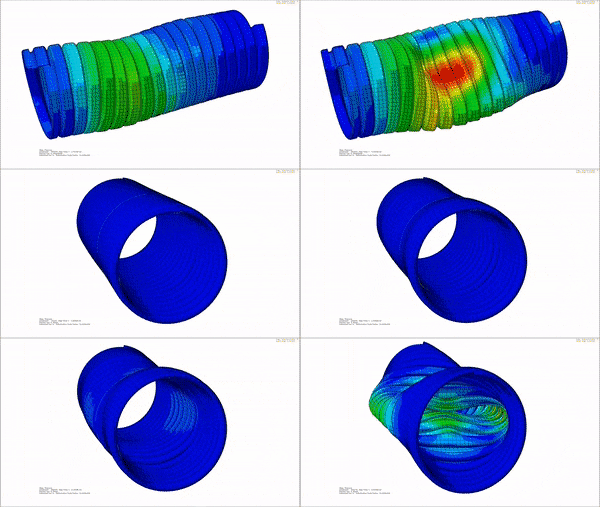 Abaqus for Energy & Materials
Pressure equipment, piping, skids, fatigue and thermal-stress risk.
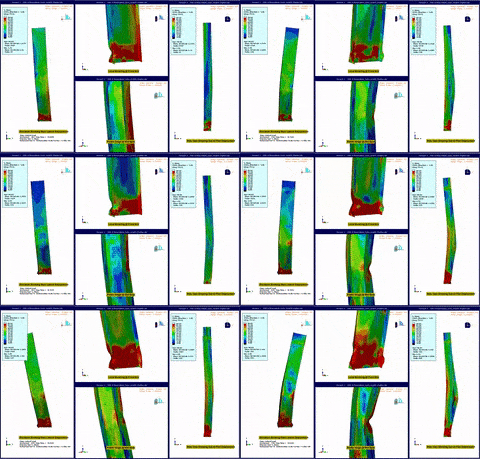 Abaqus for Construction & Infrastructure
Seismic response, connections, slabs, facades and impact loading.
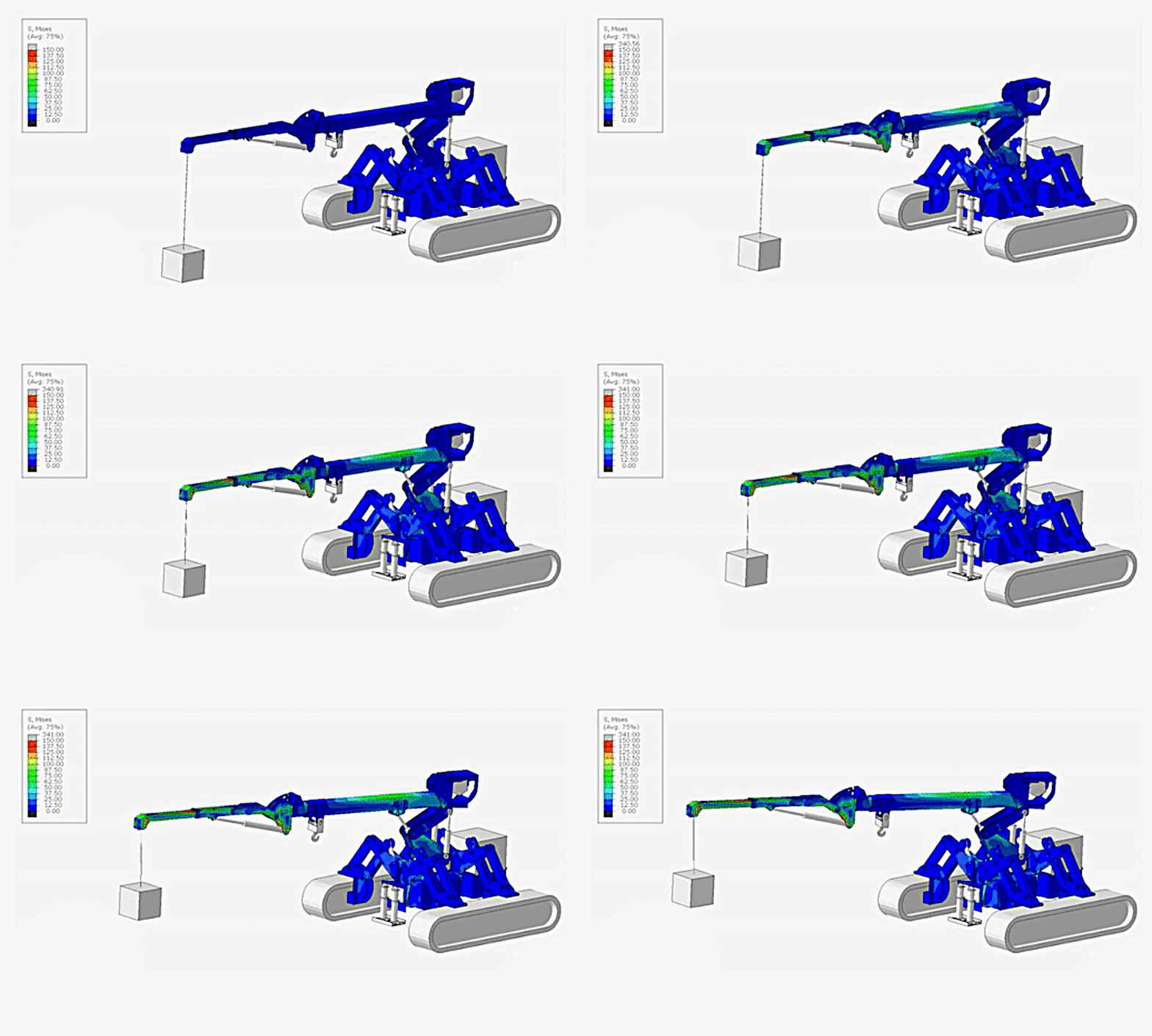 Abaqus for Industrial Equipment
Frames, machinery, deformation, fatigue, durability and thermal loading.
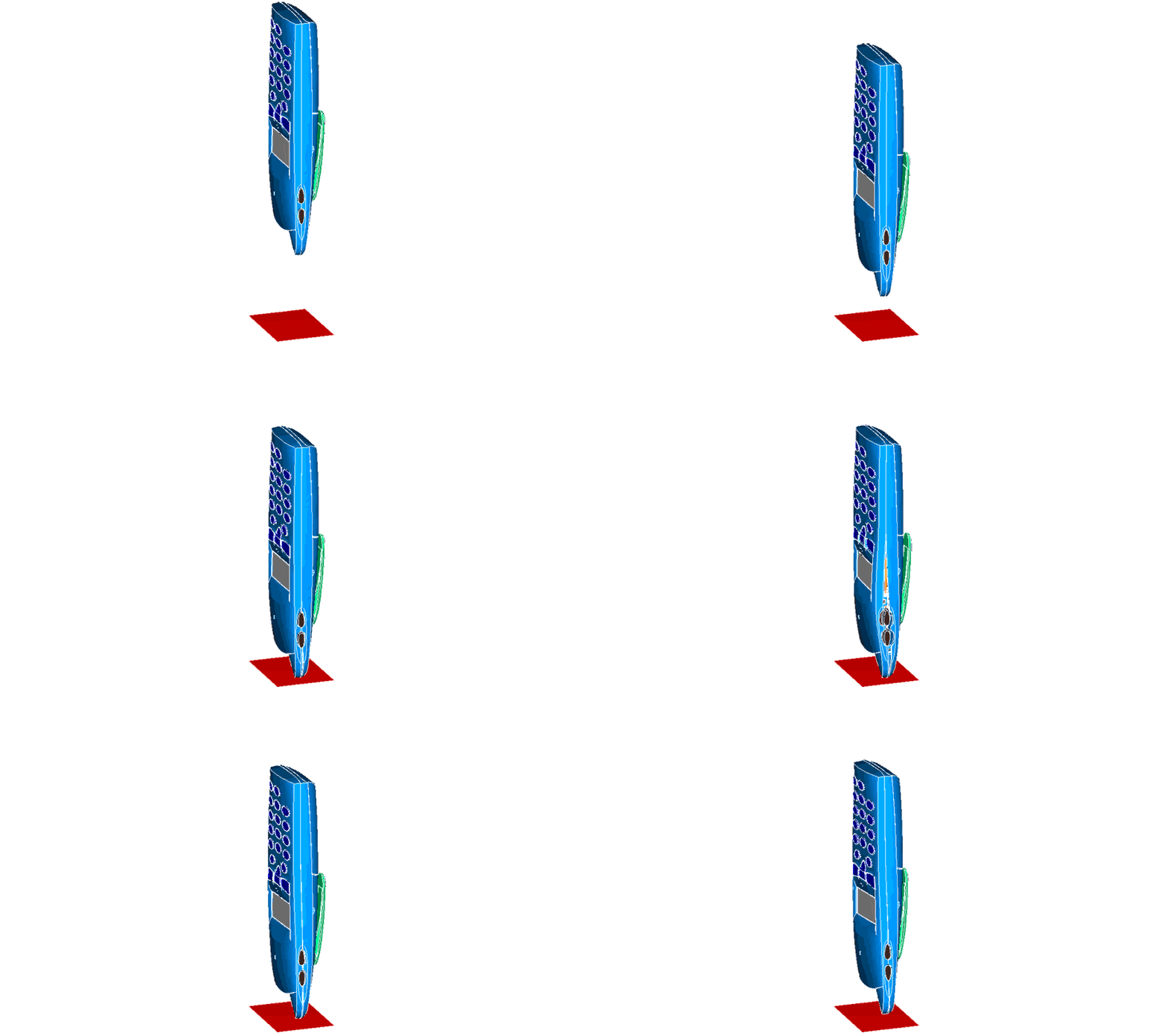 Abaqus for High Tech & Electronics
Enclosures, solder fatigue, drop events, vibration and thermal cycling.
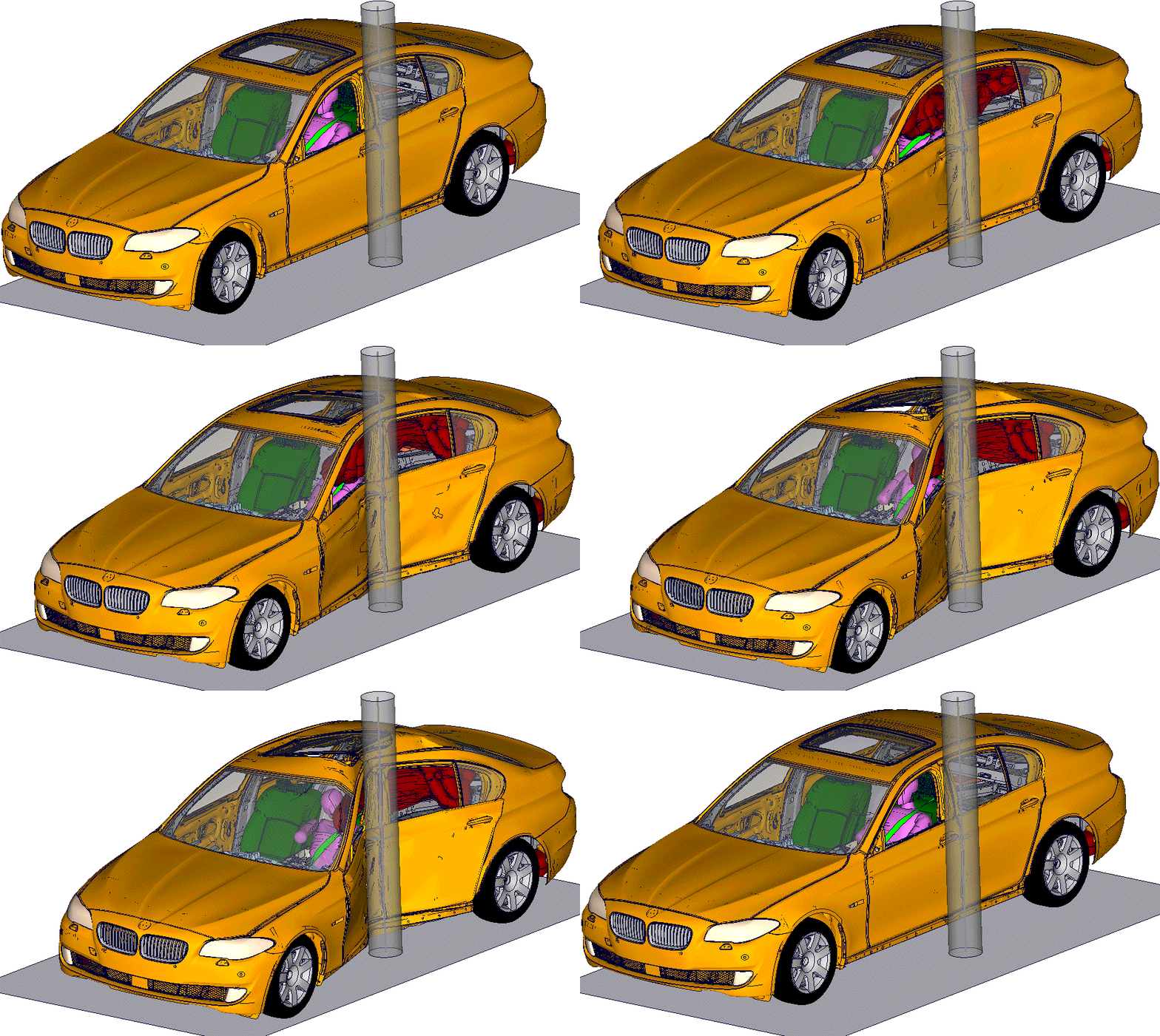 Abaqus for Automobile & Mobility
Crash, durability, vibration, lightweighting and component validation.
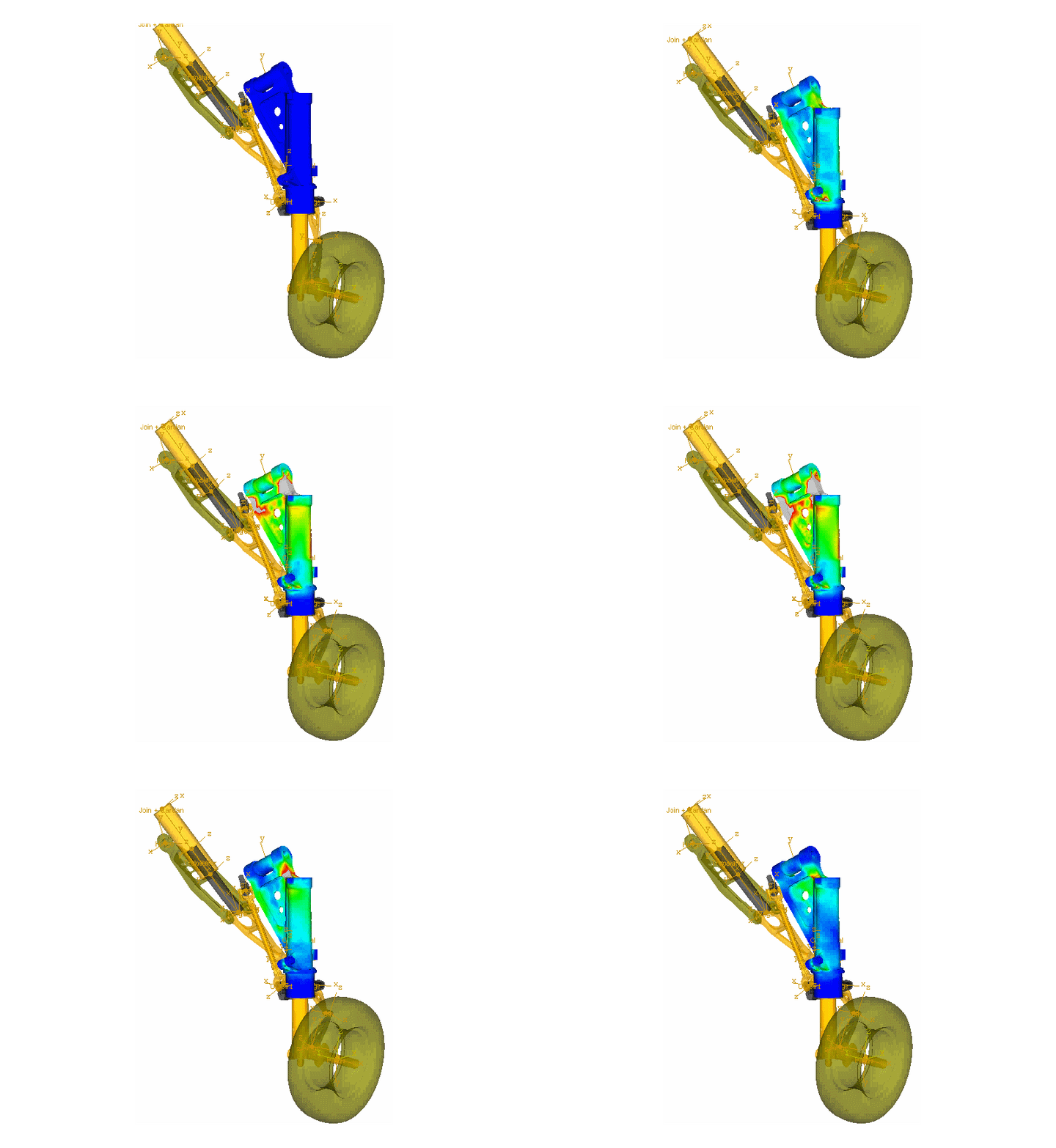 Abaqus for Aerospace & Defense
Lightweight structures, composites, impact, vibration and mission loads.
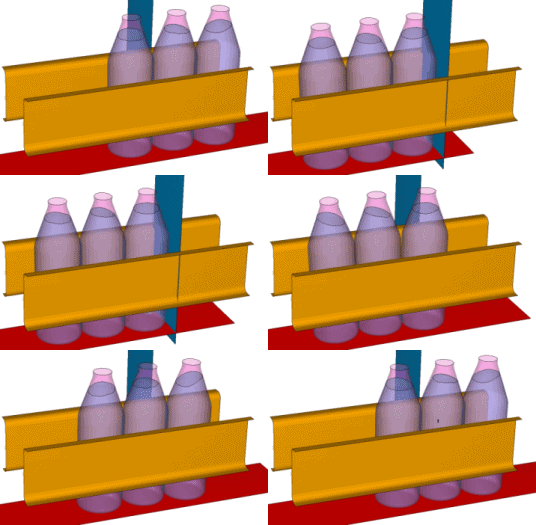 Abaqus for Consumer Goods
Packaging strength, drop resistance, closures and product durability.
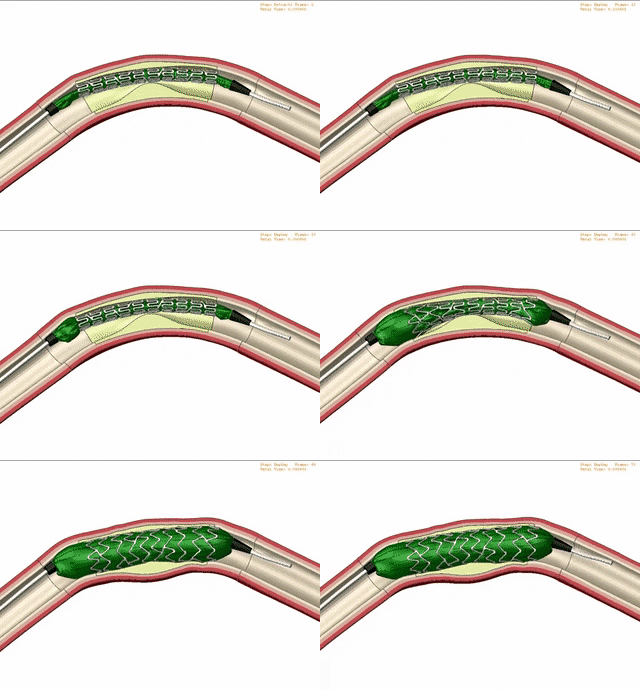 Abaqus for Life Sciences & Healthcare
Medical devices, enclosures, pumps, tubing, packaging and polymers.
Abaqus Training for New and Advanced Users
ENA2 supports engineers who are new to Abaqus and experienced users who want to improve Abaqus/Standard, Abaqus/Explicit, nonlinear modeling, scripting, automation, result interpretation, fracture/failure, thermal-stress and simulation best practices.
Contact ENA2 About Abaqus TrainingFor new users learning CAE workflow, model setup, meshing, loads and results.
Implicit nonlinear analysis, explicit dynamics, contact, impact and durability workflows.
Scripting, automation, nonlinear materials, fracture/failure and thermal-stress modeling.
Team standards, workflow consistency and internal simulation capability development.
Why Work With ENA2 for Abaqus Software?
ENA2 supports Abaqus software decisions with licensing guidance, engineering simulation context, SimUnit Token planning, training and onboarding support for teams across Canada and the United States.
Compare lease, purchase, token and credit options before ordering.
Review users, CPU cores, solver demand and workload type.
Support onboarding, advanced workflows and team capability development.
Support for engineering teams across Canada, the United States and North American project locations.
Abaqus Software Quote, Lease, Purchase, SimUnit Tokens & Training FAQ
Find direct answers about requesting Abaqus software through ENA2, choosing lease or purchase options, estimating SimUnit Tokens, comparing tokens and credits, training, onboarding and service locations.
Where can I buy Abaqus software in Canada or the United States?
You can request SIMULIA Abaqus software through ENA2. ENA2 helps engineering teams review Abaqus software options, request quotes, compare yearly lease, quarterly lease, purchase, token-based licensing and consumable credit paths, and plan training or onboarding support across Canada and the United States.
Can I request an Abaqus software quote from ENA2?
Yes. ENA2 can help review project duration, software access preference, expected users, CPU core requirements, token or credit interest, training needs and onboarding requirements before preparing the right Abaqus software quote path.
Should my team lease or purchase Abaqus software?
Lease options can fit short-term or annual access needs, while purchase options may fit teams building long-term internal simulation capability. ENA2 can help compare the best starting point based on project demand, expected users, solver needs and usage expectations.
Can I lease Abaqus software yearly or quarterly?
Yearly lease options are commonly used for ongoing simulation work. Quarterly lease options may be suitable for short-term engineering demand, urgent validation windows, proposal-driven analysis work or limited-duration simulation projects, depending on software configuration and licensing availability.
How many SimUnit Tokens do I need for Abaqus?
The number of SimUnit Tokens, also referred to as SRUs, depends on CPU core count and licensing configuration. ENA2 provides an Abaqus SRU token estimator to help approximate core-based token requirements, but final licensing should be confirmed with ENA2 before ordering.
How does the Abaqus SRU token estimator work?
The estimator uses CPU core count to approximate SimUnit Token requirements. It is intended for planning guidance only and does not replace an official Abaqus software quote or licensing review from ENA2.
Are Abaqus SimUnit Tokens the same as consumable credits?
No. SimUnit Tokens and consumable credits support different access models. ENA2 can help compare the better option based on solver demand, project duration, users, workflow flexibility, cloud usage and whether the team needs ongoing access or scalable usage-based capacity.
What Abaqus workflows can ENA2 help with?
ENA2 can help teams plan Abaqus usage for nonlinear FEA, contact, impact, durability, thermal-stress, vibration, fatigue-sensitive structures, pressure equipment, vehicle components and industrial equipment workflows.
Does ENA2 provide Abaqus training for new and advanced users?
Yes. ENA2 provides Abaqus training for new users and experienced engineers, including introductory Abaqus workflows, Abaqus/Standard, Abaqus/Explicit, nonlinear analysis, scripting, automation, fracture/failure, thermal-stress modeling and custom team training.
Does ENA2 support Abaqus customers in major Canadian and U.S. engineering hubs?
Yes. ENA2 supports Abaqus software, quote, training and onboarding requests across Canada and the United States, including Canadian engineering hubs such as Calgary, Edmonton, Toronto/GTA, Kitchener-Waterloo/Cambridge, Windsor, Oshawa, Montreal/Mirabel, Ottawa and Vancouver. In the U.S., ENA2 can support high-value engineering and manufacturing regions such as Houston and the Gulf Coast for oil, gas, chemical, refinery and process industries; Detroit and Michigan for automotive and mobility; Seattle/Everett, Wichita, Huntsville, Los Angeles/Palmdale and San Diego for aerospace and defense; Charlotte, Oak Ridge/Knoxville, Idaho Falls and Pittsburgh for nuclear, power and advanced energy; and Austin, Boston, Phoenix and Dallas-Fort Worth for high tech, electronics, advanced manufacturing, aerospace and engineering teams.
Does ENA2 help with Abaqus license setup and onboarding?
Yes. ENA2 can help coordinate license setup requirements, onboarding steps and practical guidance so teams can move from software access to productive simulation work.
What information helps ENA2 prepare an Abaqus quote?
Helpful details include intended Abaqus use case, number of users, lease or purchase interest, token or credit needs, expected CPU core count, project duration, current Abaqus user status and training or onboarding requirements.
Need an Abaqus Software Quote, SimUnit Token Review or Training Support?
Send your project duration, expected CPU core count, number of users, software access preference and training needs. ENA2 can help compare Abaqus lease, purchase, tokens, credits and onboarding options before ordering.